Vibe coding lets you design and improve applications by describing what you want in natural language. This guide explains how it works, how it differs from traditional development, and which best practices help you create complete, reliable apps.
What is vibe coding?
Vibe coding is a new way to create software using natural language as the primary development interface.
Instead of starting with code, you start with an idea.
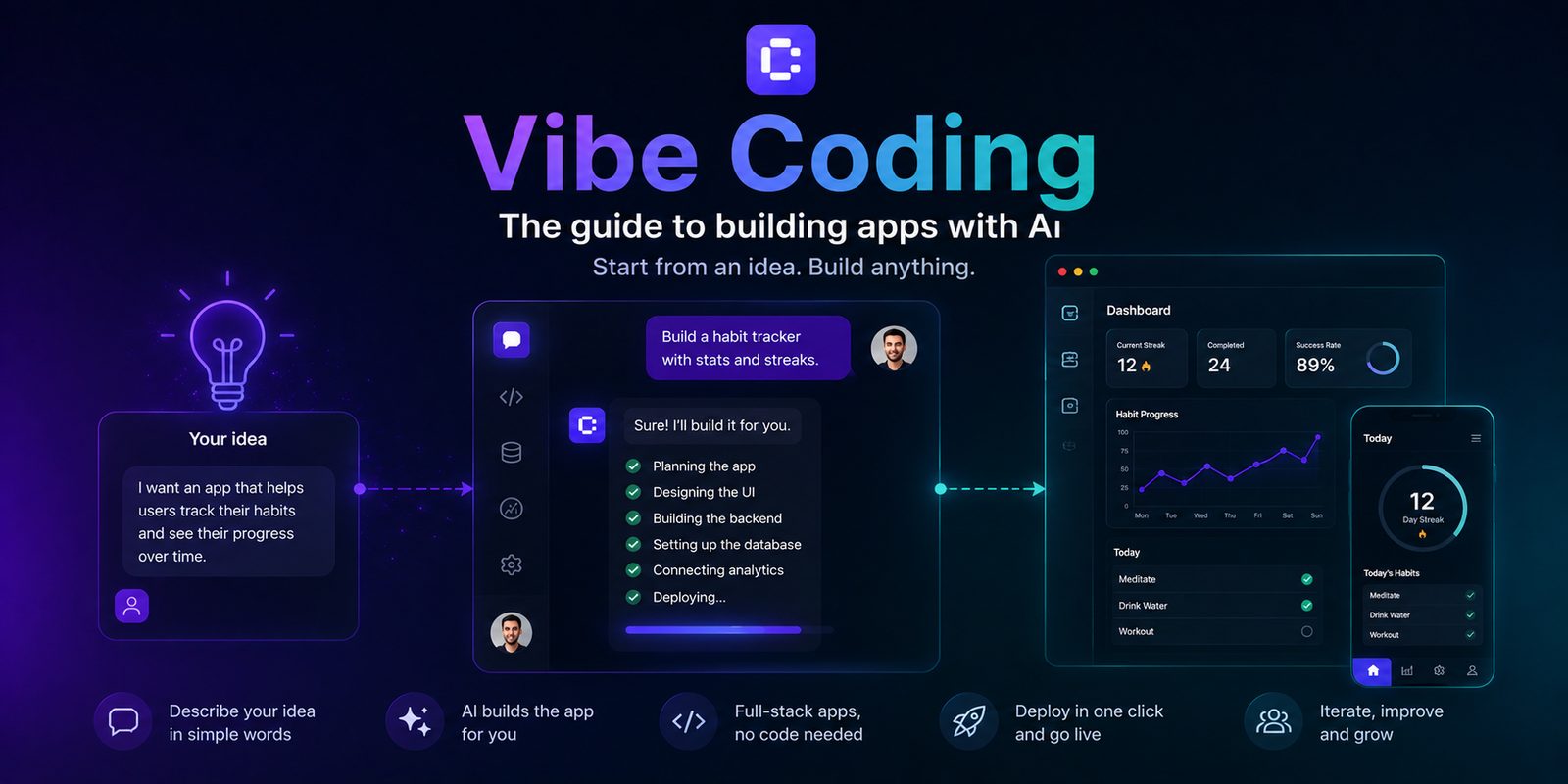
You describe what you want to build, explain how it should behave, and the AI generates the application. You then test it, provide more feedback, and continue refining it through conversation. For example, you could start with a very simple request:
“Create a booking platform for a yoga studio, with a calendar, customer accounts, and an admin area.”
From there, an AI app builder like Coderblock can turn the idea into a complete web application, generating the interface, logic, database, and required features. The point is not simply to generate code faster. Vibe coding changes how you interact with the development process: instead of telling the machine how to implement every detail, you describe what you want to achieve and let the AI handle much of the technical work.
However, that does not mean creating software at random. A good vibe coding process consists of requests, testing, feedback, and iterations. You continue defining the product and checking the results, while the AI handles the implementation.
How does vibe coding work?
1. Describe the product
Your first request should focus primarily on what the product needs to do, not how it should be programmed. For example:
“Create a management app for personal trainers. Clients should be able to view their workout plans, log workouts, and send notes. The trainer should have a dashboard showing progress and appointments.”
That is already enough to define an initial structure. You can add details about design, roles, data, integrations, and specific behaviors later.
Alternatively, you can start from a ready-made template. Coderblock provides several product templates for applications such as e-commerce stores, booking platforms, dashboards, wellness apps, and games, as well as feature templates for authentication, payments, shopping carts, chat, and admin panels.
The template is not the final product: it is a starting point that you can modify through conversation.
2. The AI builds the first version
Once you have defined the idea, the AI agent turns the request into an application. This can involve several layers at once:
- interface and frontend components;
- application logic;
- database structure;
- authentication;
- permissions;
- integrations;
- configuration required for deployment.
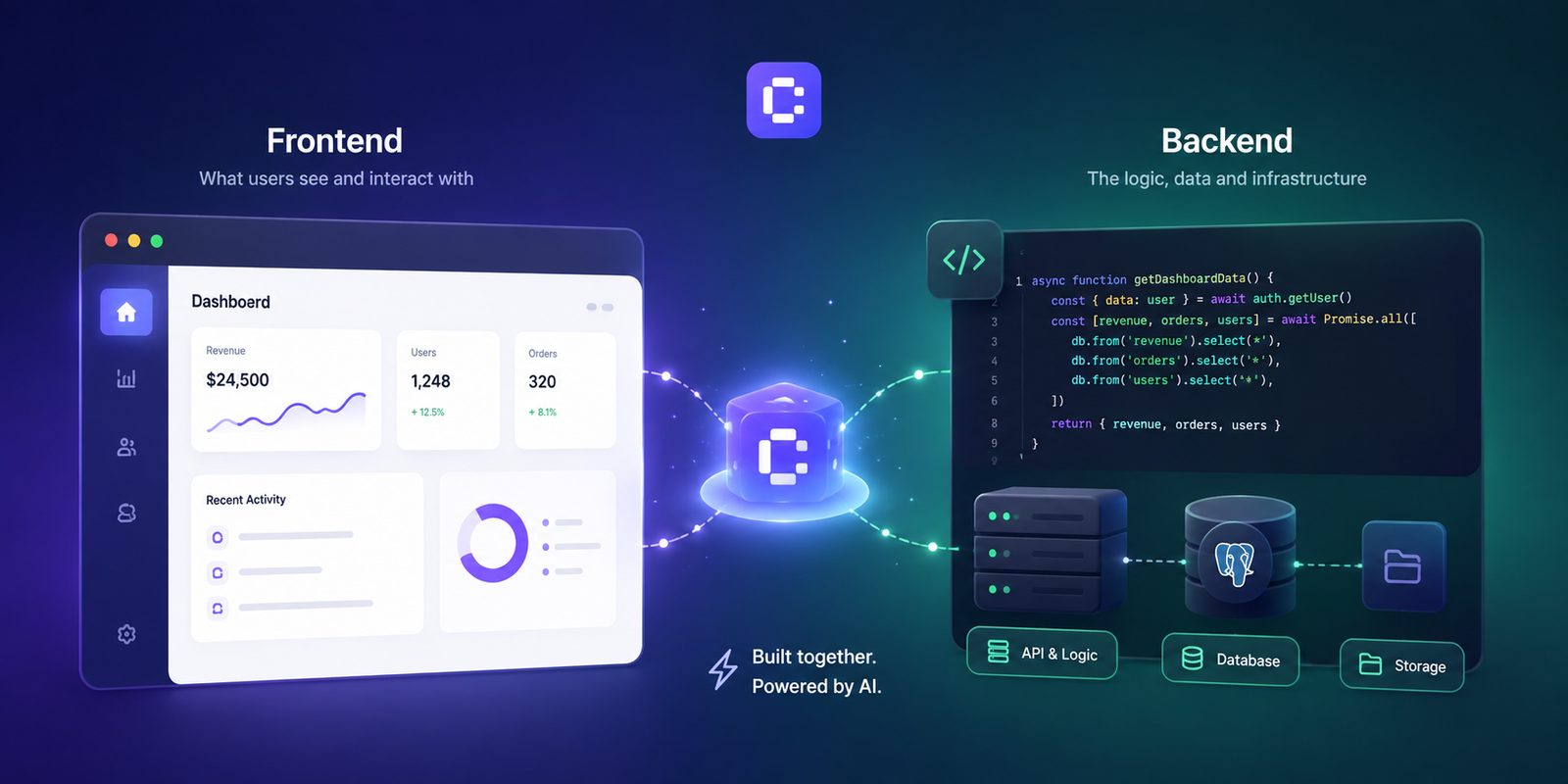
In Coderblock, standard web apps use React, Vite, TypeScript, and Tailwind CSS for the frontend and a dedicated Supabase project for the backend, including Postgres, Auth, Storage, Row Level Security, and optional Edge Functions in Deno.
The result is made available as a live preview at a <app>.coderblock.dev address, so you can immediately see what the AI has built.
3. Test, observe, and refine
The first version does not need to be perfect. In fact, this is the core principle of vibe coding: build, observe, and iterate. You can continue the conversation with increasingly specific requests:
“Keep the navigation bar fixed while scrolling.” “Add a table showing all bookings in the admin area.” “On mobile, replace the menu with a hamburger menu.” “Prevent users from viewing other customers’ bookings.”
Each request becomes a new product iteration.
The fundamental cycle is: Prompt → Generation → Preview → Feedback → New iteration
That is the heart of vibe coding.
4. Take the app from preview to production
When the product is ready, you can move from development to deployment.
In Coderblock, the Publish command creates the production version at <app>.coderblock.app, with SSL included.
You can also connect a custom domain or purchase one directly through the platform.
This means the entire journey can be completed within the same environment: idea → app → testing → iteration → deployment
Vibe coding, no-code, and traditional development
Vibe coding is not simply a new name for no-code. All three approaches share the same goal—creating software—but operate at different levels of abstraction.
Traditional development
In the traditional model, the developer chooses the architecture, selects libraries and technologies, writes the code, configures services, and handles errors directly. This approach offers the greatest technical control, but it also requires specialized skills.
No-code
With no-code, you build the application using visual components, settings, and workflows provided by the platform. You do not need to write code, but you do need to learn how the visual system works and stay within its capabilities.
Vibe coding
With vibe coding, natural language becomes the primary interaction method. You can say:
“I want users to be able to book an appointment and receive a confirmation.”
The agent translates this requirement into an implementation.
The fundamental difference is:
| | Traditional development | No-code | Vibe coding | | --- | --------------------- | ------- | ----------- | | Primary interface | Code | Visual editor | Natural language | | Who handles implementation | Developer | User | AI | | Flexibility | Very high | Depends on the platform | Depends on the agent and stack | | Required skills | Technical skills | Platform knowledge | Ability to define and verify requirements | | Iteration | Code changes | Configuration changes | Conversation + feedback | | Best for | Complex, highly customized software | Standard workflows and products | Prototypes, MVPs, products, and rapid experimentation |
No approach is universally better. The right choice depends on the product, the level of control required, and how the team prefers to work.
What can an AI app builder really build?
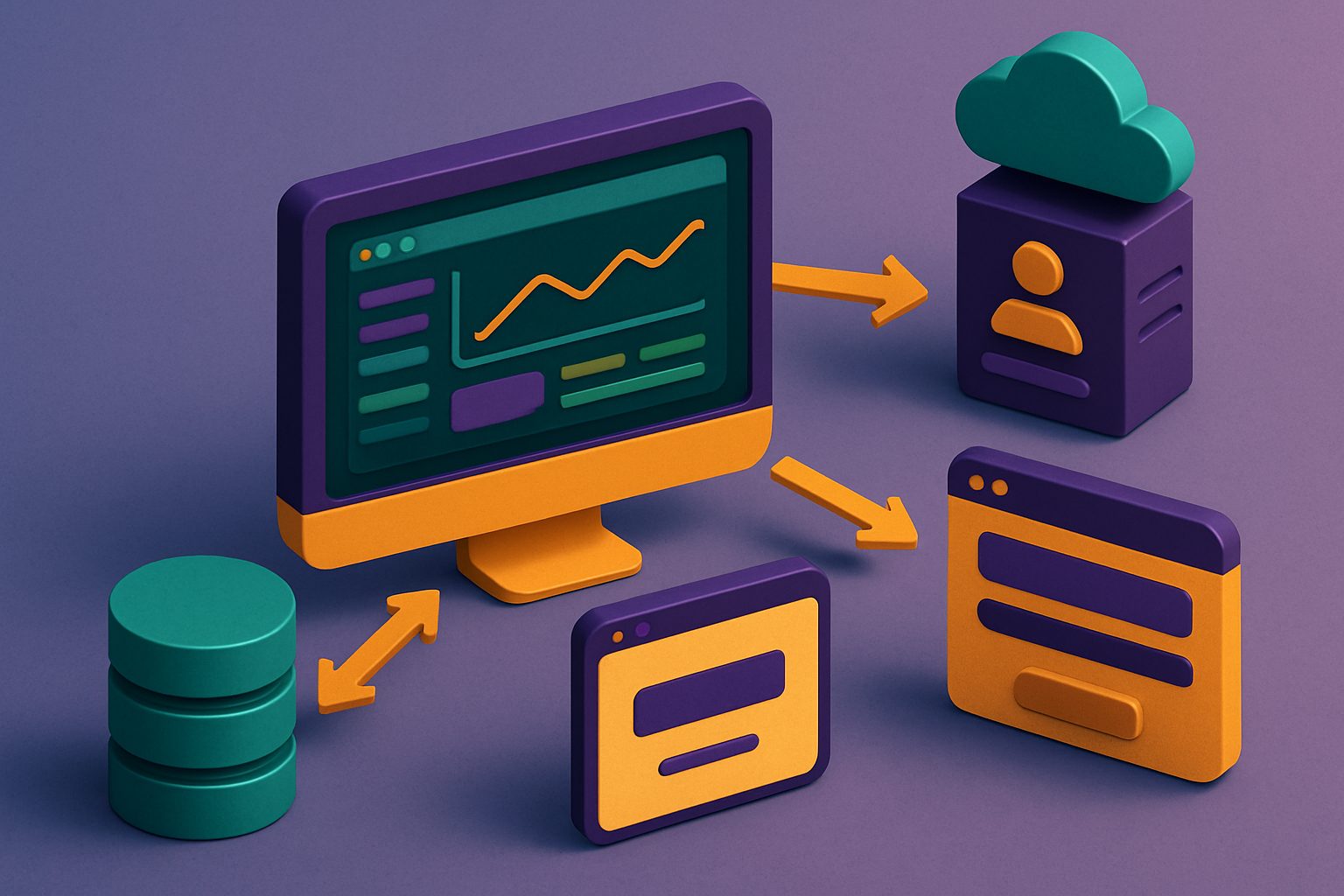 One of the risks when discussing vibe coding is confusing interface generation with application development.
Generating a visually convincing dashboard is relatively easy.
One of the risks when discussing vibe coding is confusing interface generation with application development.
Generating a visually convincing dashboard is relatively easy.
Building an application that can:
- register users;
- store data;
- manage roles and permissions;
- process payments;
- communicate with external services;
- protect sensitive information;
- handle errors;
- work in production;
is a much broader challenge.
That is why you should not evaluate an AI app builder based only on the first screen it generates. Ask yourself what is behind that screen.
Backend and database
In Coderblock, every standard web app has a dedicated Supabase project with Postgres, Auth, Storage, Row Level Security, and Edge Functions. You can describe requirements such as:
“Each customer should only be able to see their own bookings. Administrators should be able to view and edit all bookings.”
The agent can turn this request into a data structure and access rules that match the required behavior. In the Backend section, you can also review tables, users, storage, and functions.
Authentication and roles
Authentication is not simply a matter of creating a login screen. A real application needs to manage identities, sessions, protected routes, and permissions. In Coderblock, you can ask:
“Add registration, login, and a personal account area for each customer.”
The agent configures Supabase Auth, the necessary screens, session management, and Row Level Security policies. Base structures for profiles and roles are also available.
The goal is to let users describe the behavior they want without having to implement every authentication mechanism manually.
What about payments?
Payments are another good example of the difference between a mockup and a real application. Creating a button that says:
Subscribe for €9.99/month
does not mean you have a working payment system. Behind that button, you need a provider, products and prices, checkout, secure credentials, and payment event handling.
With Coderblock, you can describe the feature directly:
“Let customers pay €9.99 per month.”
The agent can configure the Stripe integration, create products and prices, and set up checkout.
A BYOK (Bring Your Own Key) option is also available for connecting an existing Stripe account. Credentials are requested through a secure field and stored server-side, without being added to the frontend code or conversation.
In both cases, you can start in test mode before moving to production.
How to write better prompts for vibe coding
There is no “magic prompt” that guarantees a perfect app on the first try. The best way to work with an AI app builder is to provide context, goals, and constraints progressively.
Describe the outcome
Instead of:
“Create a dashboard.”
try:
“Create an admin dashboard that shows bookings, users, and monthly revenue. It should be possible to filter bookings by date and status.”
The second request describes behavior that can be tested.
Define who will use the app
Specify the different roles and what each one can do. For example:
“Customers can create and cancel their own bookings. Administrators can view and edit all bookings.”
This helps the AI design both the permissions and the interface correctly.
Work incrementally
It is not always helpful to request everything in a single prompt. A complex app can be built in stages:
- initial structure;
- database;
- authentication;
- core feature;
- payments;
- administration;
- interface refinement.
Test the result after each stage. This makes it easier to understand what works and where changes are needed.
Describe errors too
Do not limit your description to what should happen when everything goes well. Also explain what should happen when:
- a payment fails;
- a resource is unavailable;
- a user lacks permission;
- a field is empty;
- a request to an external service fails.
A real application needs to handle these scenarios too.
Never put secrets in prompts
API keys, passwords, and payment credentials should never be entered directly into the conversation or frontend code. Instead, use secure systems for managing environment variables and secrets. In Coderblock, credentials required for integrations are collected through dedicated secure requests and stored server-side.
Does vibe coding still require skills?
Yes, but it changes the type of skills you need. You do not necessarily need to know React, SQL, APIs, or server configuration to start building an app with vibe coding. However, you do need to know:
- what problem you want to solve;
- who will use the product;
- which features are actually necessary;
- what data needs to be stored;
- which users can access what;
- how to verify that the result is correct.
In other words, AI can reduce the amount of technical knowledge required to implement a product, but it does not eliminate the need to understand the product you are building. And as the project becomes more complex, knowing how to evaluate what the AI generates becomes increasingly important.
From an initial idea to a working app
The value of vibe coding does not lie in generating code with a single prompt. It lies in speeding up the entire development cycle:
1. Idea Describe what you want to build. 2. Generation The AI creates the first version of the app. 3. Preview You test the product in real time. 4. Iteration You describe what needs to change. 5. Validation You check features, data, security, and behavior. 6. Deployment You put the app online when it is ready.
This approach shifts the focus from “How should I code this feature?” to “What should this feature do?” That is the true promise of vibe coding.
It does not mean that AI completely replaces software development. It means that natural language can become a new layer of interaction with software, making it possible to turn an idea into a working application with far less technical complexity. And with an AI app builder like Coderblock, this process can extend from the initial idea all the way to the database, authentication, integrations, and app deployment.