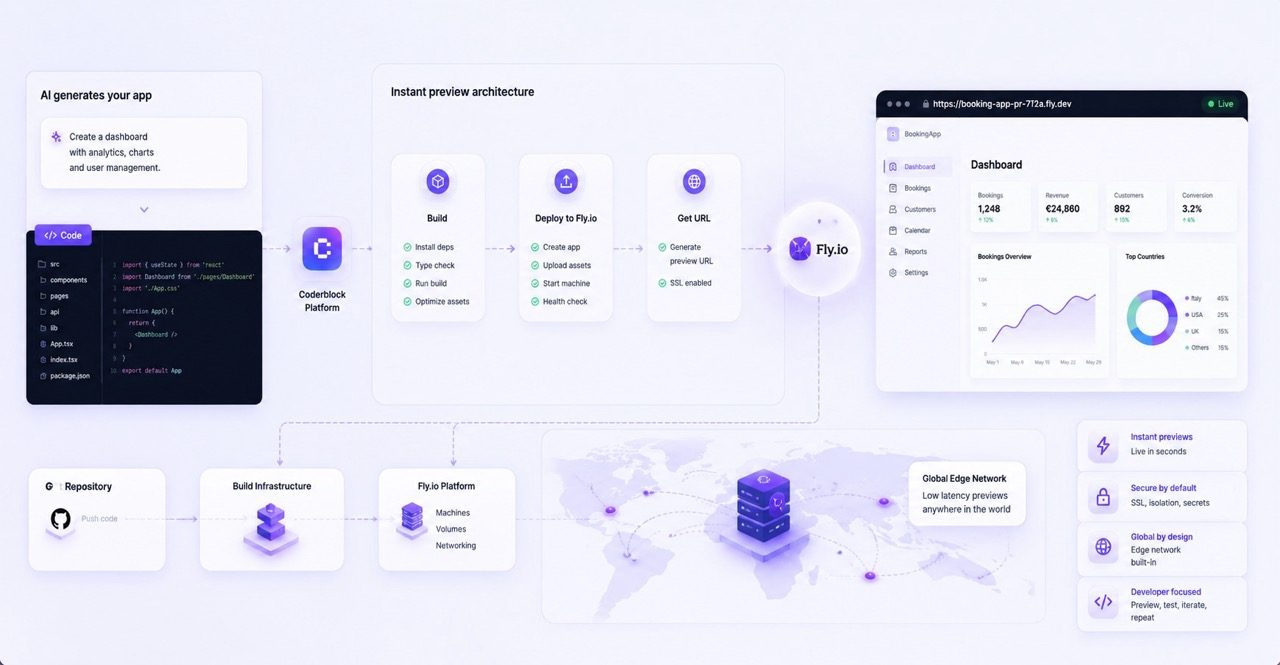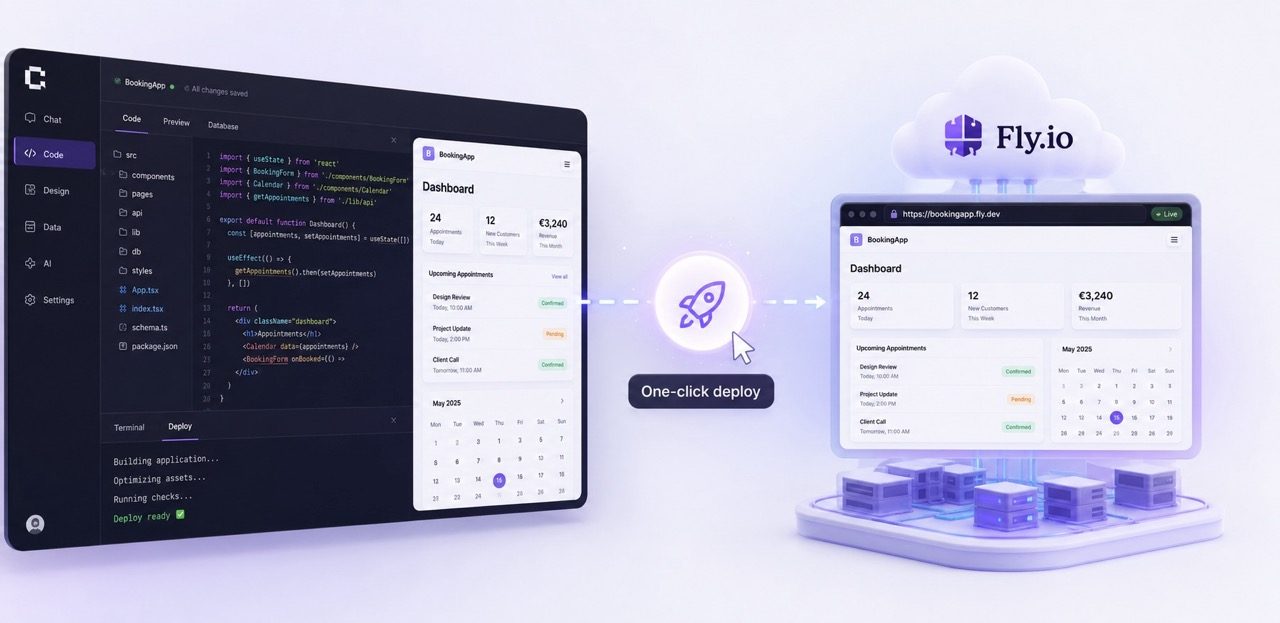
Coderblock turns a live development preview into a production-ready web app with a single click. Here’s what the verified publishing workflow includes—and why, without confirmed technical details, we do not attribute its infrastructure to Fly.io.
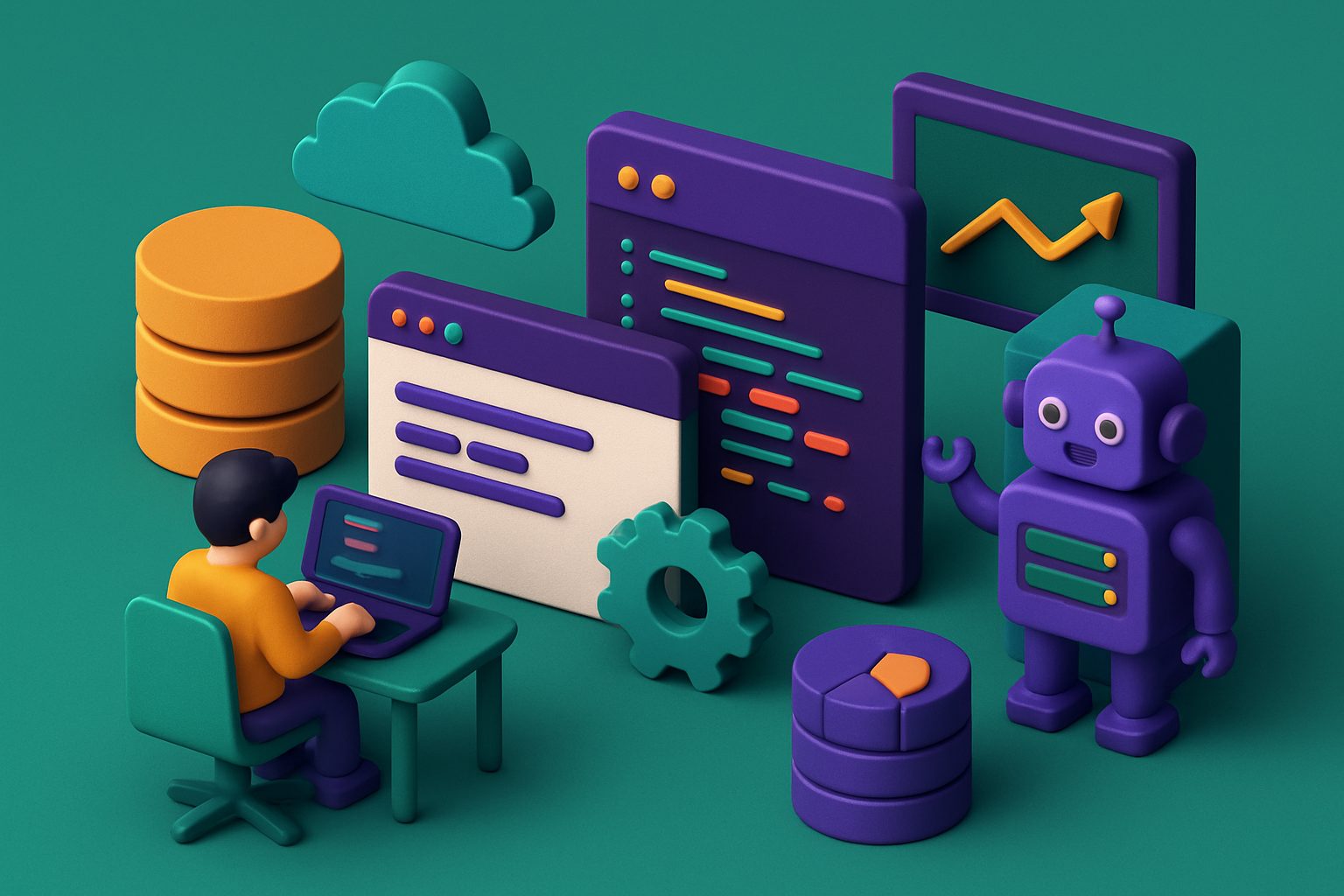 Taking an app to production shouldn’t require becoming a deployment expert.
When you build a product from scratch, the work doesn’t end when the interface is ready. There are databases to connect, authentication to configure, secrets to secure, payments to integrate, servers to manage, and domains to set up.
Taking an app to production shouldn’t require becoming a deployment expert.
When you build a product from scratch, the work doesn’t end when the interface is ready. There are databases to connect, authentication to configure, secrets to secure, payments to integrate, servers to manage, and domains to set up.
Coderblock handles much of this complexity behind the scenes. You start with an idea, build the app through conversation, test it in a live development environment, and publish it with one click when it’s ready.
You don’t need to convert the project to a different format to put it online. You don’t need to create a separate deployment pipeline. And you don’t need to move between different infrastructure providers to take what you’ve just built to production. The project you developed is already the one you can publish.
From a prompt to a live development app
A Coderblock project can start with a simple natural-language description or one of the available product templates. You can begin with an e-commerce store, a booking platform, an internal dashboard, a wellness app, or even an interactive Three.js experience.
The AI turns your request into a real full-stack application.
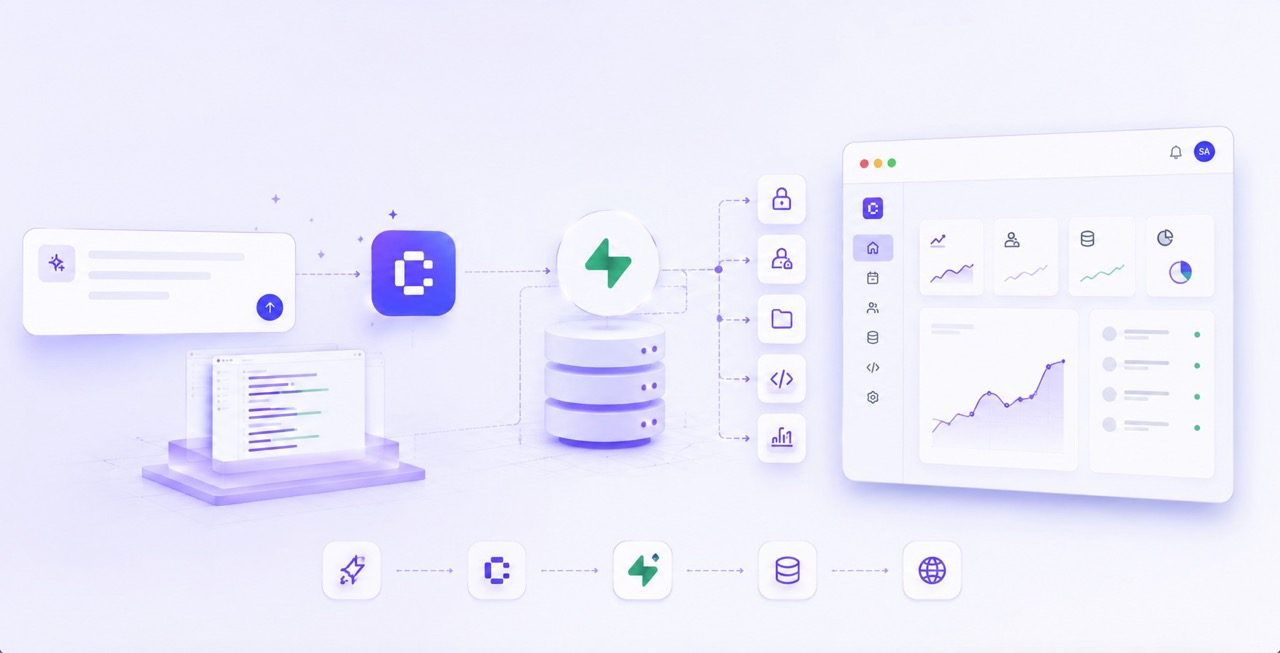
For standard web apps, the frontend is generated with React, Vite, TypeScript, and Tailwind CSS and connected to a dedicated Supabase project featuring Postgres, Supabase Auth, Storage, Row Level Security, and Deno Edge Functions.
Enterprise Web Platform projects instead use a Python- and FastAPI-based backend with Neon Postgres. In both cases, the result isn’t a mockup to look at, but an app you can use and continue developing.
Every project includes a live development environment at <app>.coderblock.dev. When you request a change in chat, the preview updates within seconds thanks to hot reload.
You can move naturally from requests like:
- “Make the navigation bar sticky.”
- “Add a bookings table and an admin view.”
- “Require users to sign in before opening the dashboard.”
- “Let customers pay €9.99 per month.”
The agent implements your request, and you can immediately verify it in the preview.
Production starts during development
The benefit of one-click deployment isn’t just about the Publish button. It depends on how much work has already been completed before you reach that point. In Coderblock, databases, authentication, permissions, storage, integrations, and secrets are all part of the same project. As you build the app, you’re also preparing the foundation required to take it to production.
Database and access control
Every standard web app has a real Postgres database within its own Supabase project. The agent can create and update the schema directly through the conversation, while the Backend tab lets you view tables, authenticated users, storage, and functions. When you add authentication, Coderblock can configure Supabase Auth, session management, protected routes, and Row Level Security. This means the preview isn’t a “fake” version of the app that must later be rebuilt for production. The app you’re testing already has its full-stack infrastructure in place.
Secrets and integrations
Real-world applications often need to communicate with external services and therefore use private credentials.
Coderblock manages this information through a secure workflow dedicated to environment variables. Values are stored server-side and are not inserted into the generated code or the regular conversation.
The same approach is used when connecting services such as Stripe with your STRIPE_SECRET_KEY.
Payments
Payments can also be configured directly during development. For example, you can ask:
Create a €9.99 monthly subscription and give subscribers access to premium features.
In the default managed mode, the agent can set up a Stripe account for the project after collecting some basic information. The platform manages the webhook and prepares products, prices, checkout, and the related frontend and backend logic.
Alternatively, you can use your own Stripe account through the BYOK workflow. The agent requests the secret key through the secure environment-variable prompt and automatically configures the webhook. In either case, you can start in test mode before moving to live transactions.
What happens when you click Publish
When the app is ready, you reach the simplest step: Publish.
With one click, Coderblock deploys the app to production at <app>.coderblock.app, with SSL included.
The point isn’t that deployment is technically free of complexity. It’s that this complexity shouldn’t become a problem for the person building the product.
You don’t need to configure a web server manually. You don’t need to build a CI/CD pipeline from scratch. You don’t need to prepare a new hosting environment. You don’t need to reconfigure the frontend and backend for production. The infrastructure stays behind the experience.
And when you return to make changes to the product, the process remains the same: update the app, verify it in the development environment, and publish the new version when it’s ready. Subsequent releases use fast hot updates, preserving the iterative workflow you followed during development.
From the development domain to your own domain
The <app>.coderblock.app address gives you an immediate production destination.
But if you’re launching a real product, you’ll probably want to use your own domain. From Settings → Domains, you can connect an existing domain by following the instructions for configuring its DNS records.
Alternatively, you can purchase a domain directly through Coderblock. In this case, the purchase, DNS, and SSL are managed within the platform. The result is a much more straightforward path: Idea → development → preview → testing → production
Without turning deployment into a separate project.
What “one-click deployment” really means
“One click” doesn’t mean there isn’t complex infrastructure behind the button. A Coderblock app can include a React frontend, Postgres database, authentication, storage, server-side functions, secrets, payments, and access-control rules. The click is simply the final step in a process that has already assembled and connected all these elements.
And that’s exactly the point. Coderblock doesn’t just give you a faster way to generate code. It lets you go from an initial idea to a working full-stack app and, when you’re ready, take it online without also having to become an infrastructure expert.
Build the product. Test it. When it’s ready, publish it.
Deployment should be the moment your product reaches users—not the moment a new technical project begins.