

Your idea deserves
the best full stack apps
The first vibe coding platform with AI personal employees that build, review and improve your app - continuously.
No coding or credit card required
See it in action
From idea to deployed app in under 3 minutes
How it works
Create. Improve. Ship.

Build with AI
Describe your idea - AI builds your full web app in minutes. No code needed.
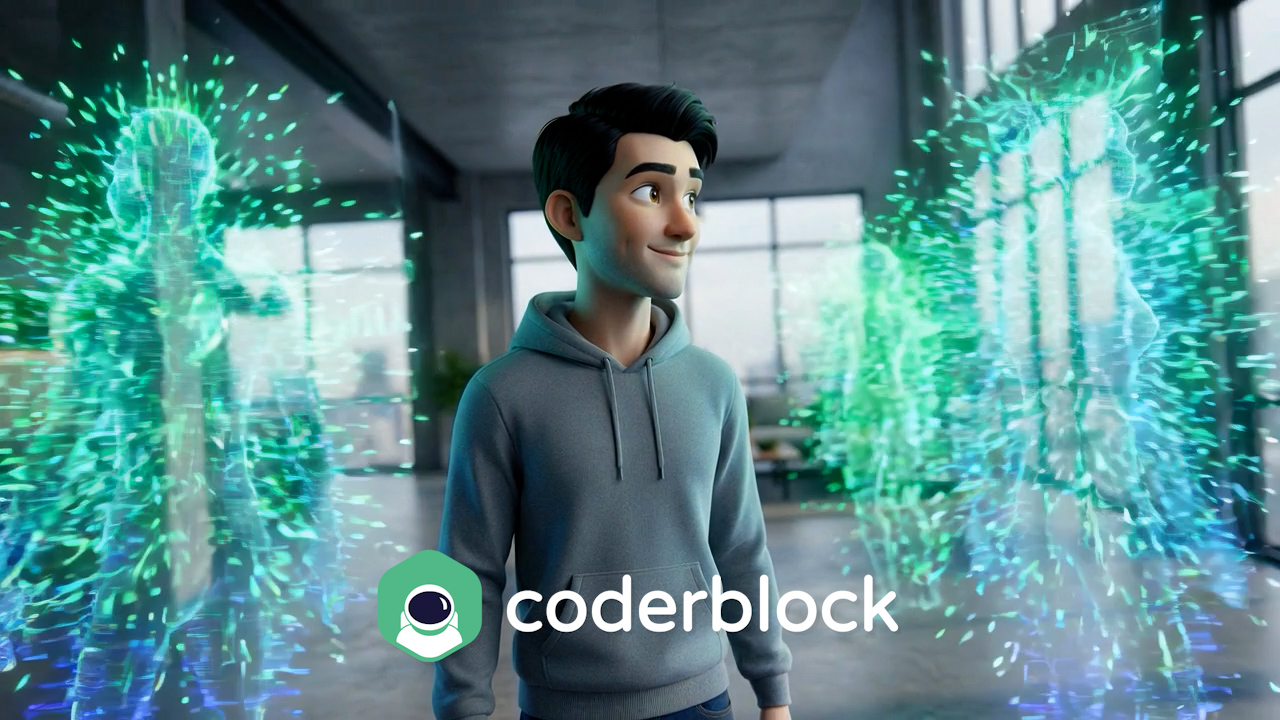
Improve with your AI employees
Your AI personal employees - marketing, security, UX, sales - review, brainstorm, and propose improvements.
Ship your product
Ship a polished product. Deploy, iterate, and scale - your AI employees keep optimizing.
Discover templates
Start your next project with a template
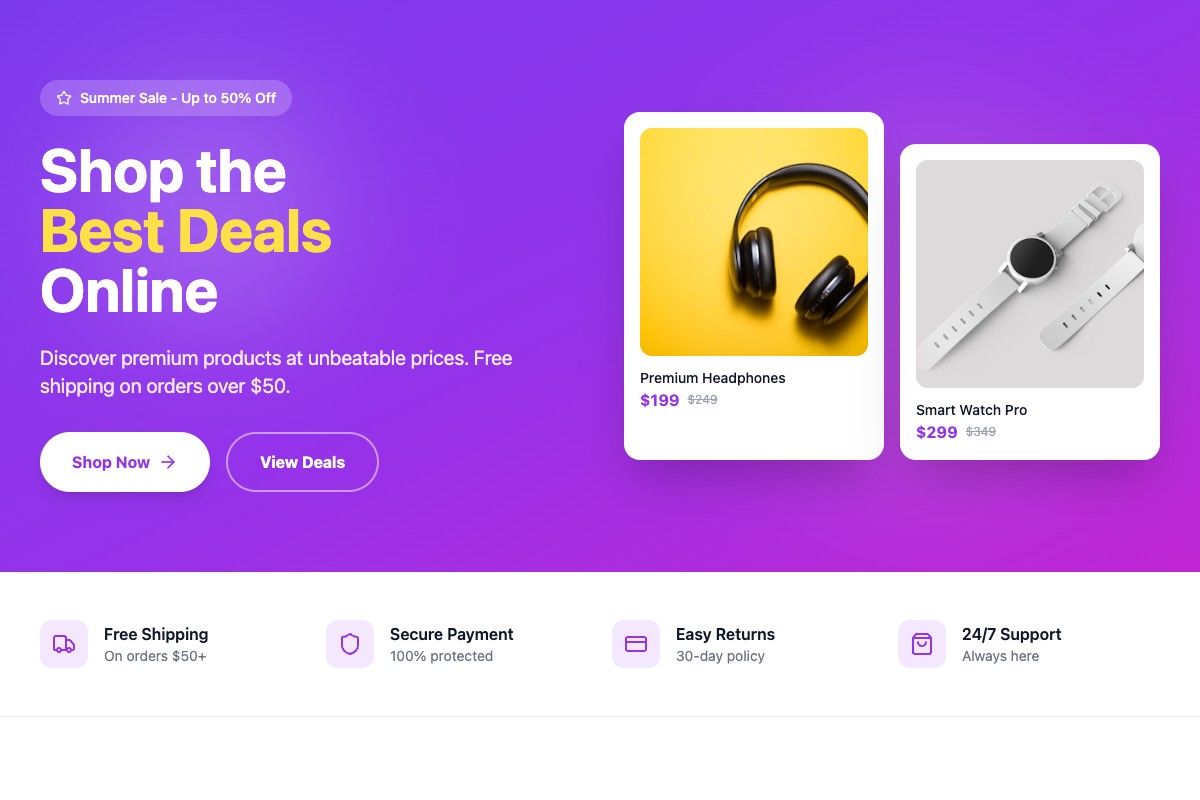
Online Store
Sell products and accept payments online
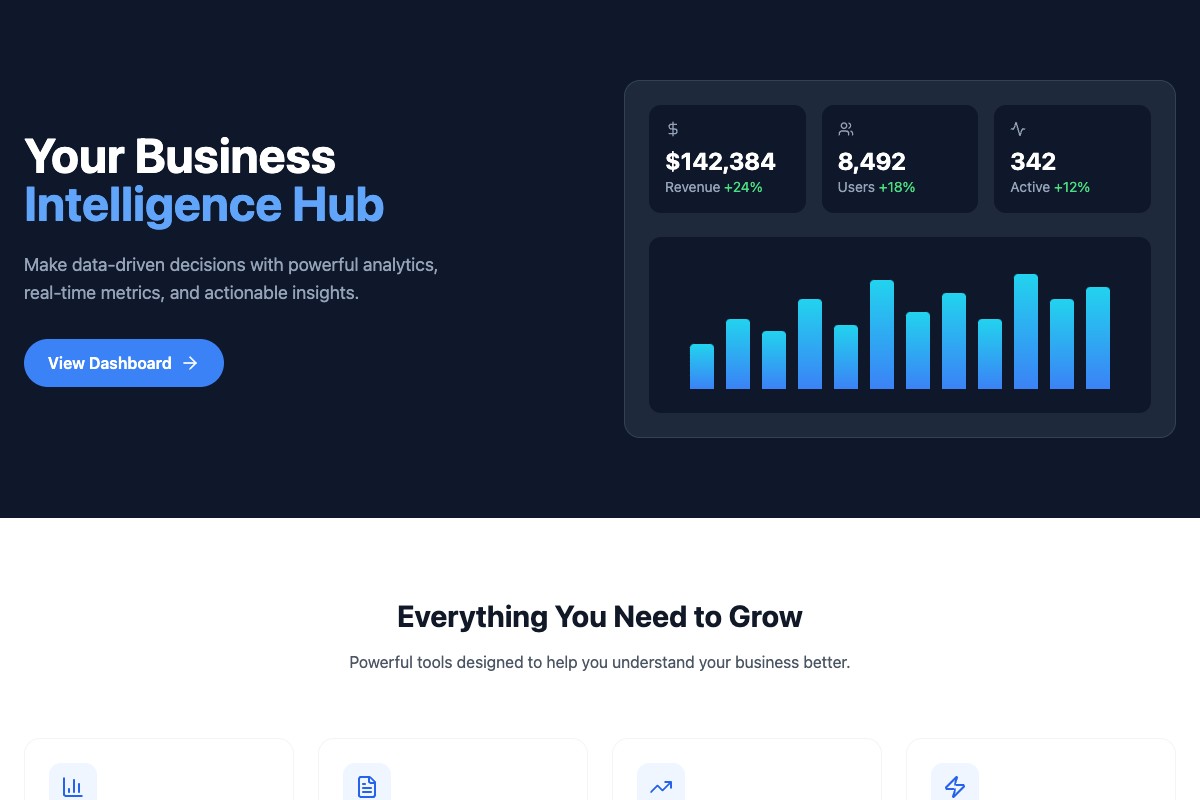
Business Dashboard
Track your metrics and grow smarter
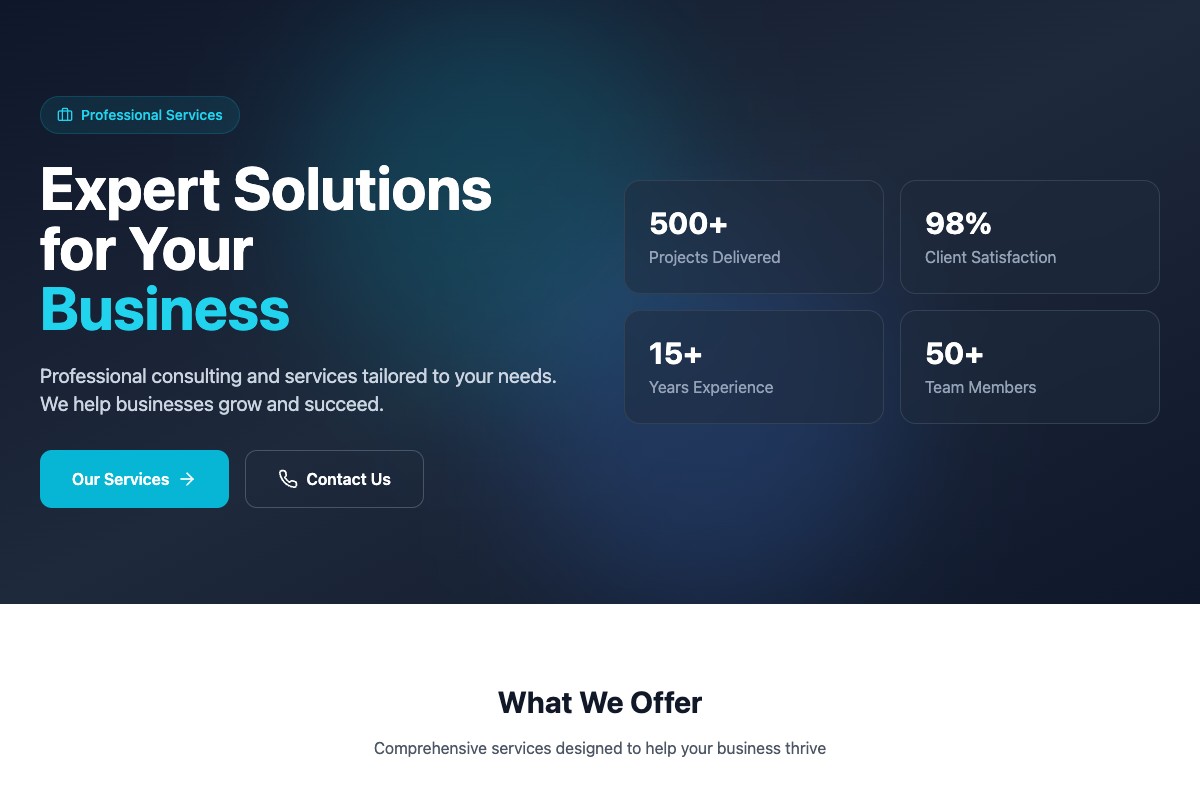
Service Business
Manage clients and automate your workflow
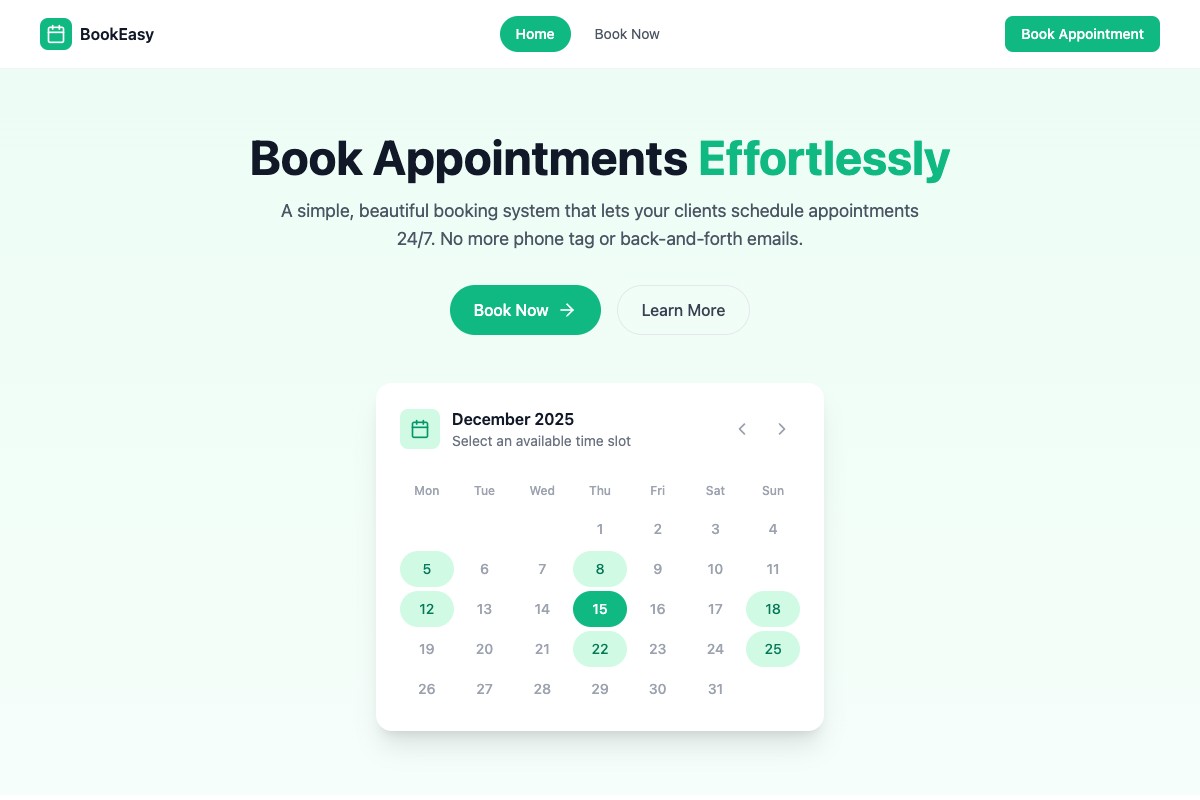
Booking Platform
Let customers schedule appointments 24/7
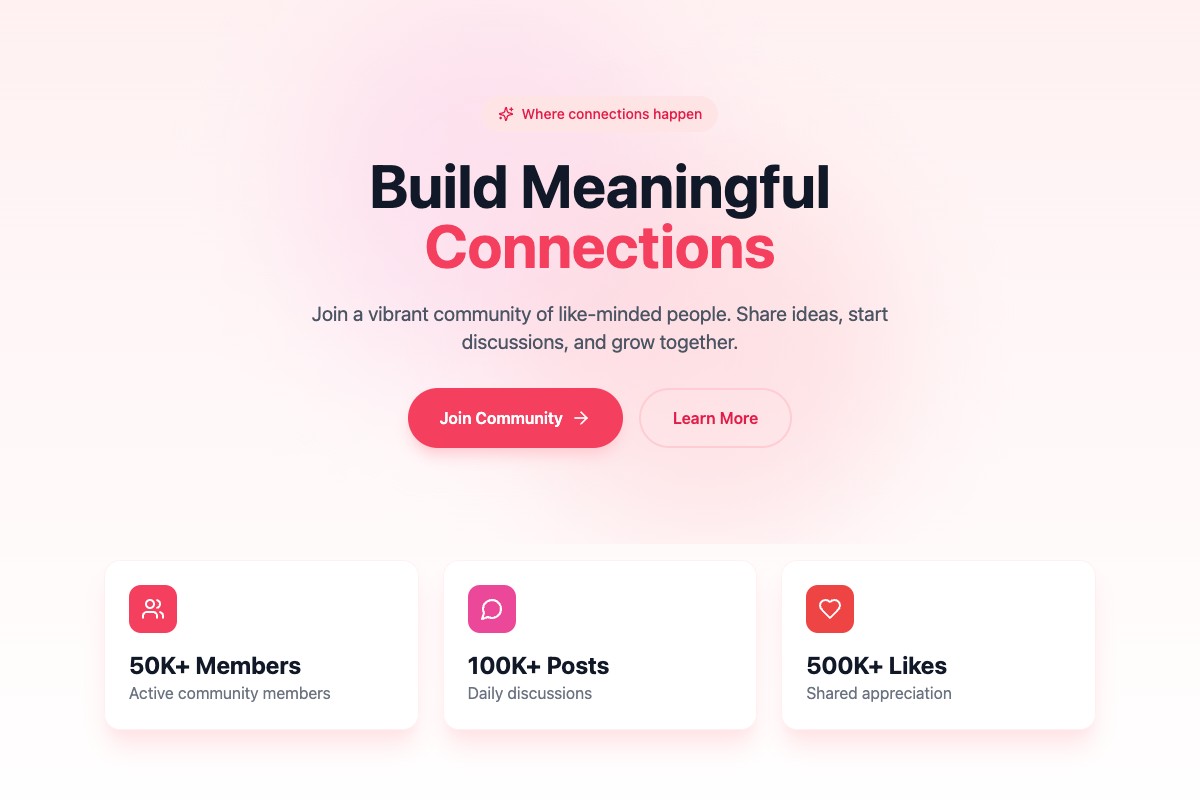
Community
Build and engage your audience
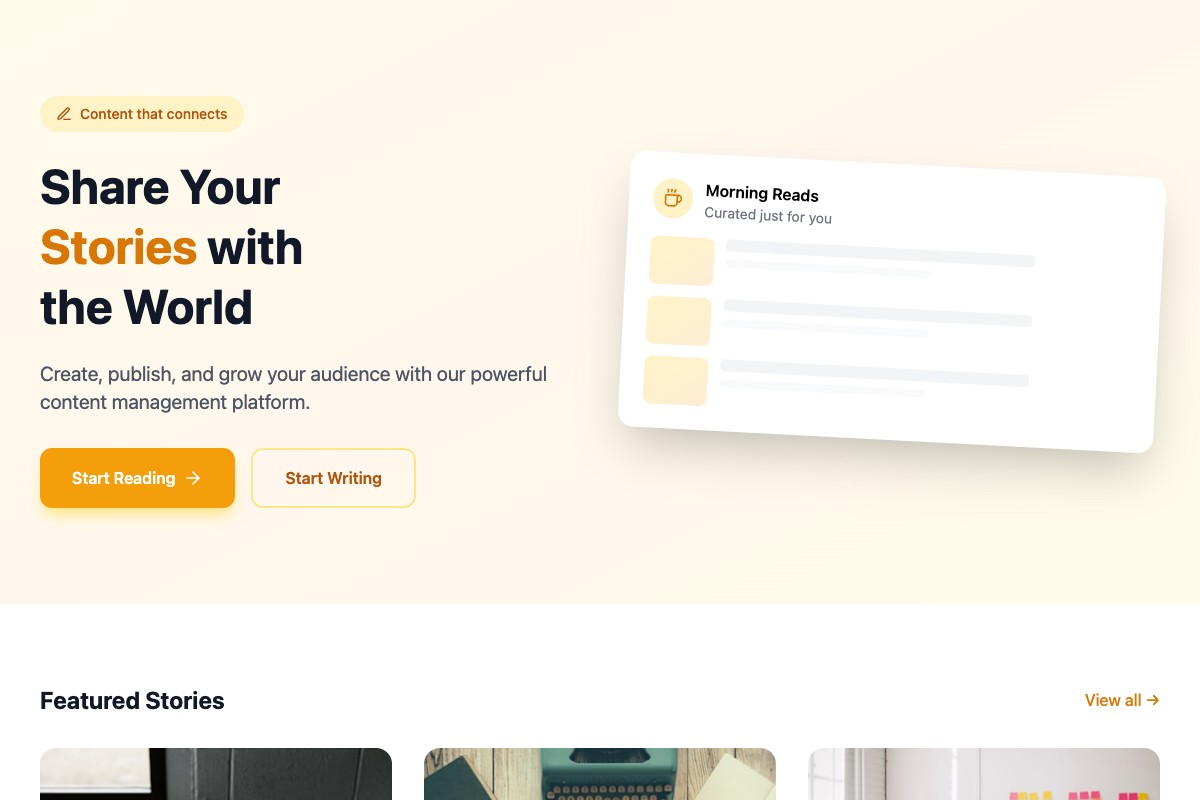
Content Platform
Share your knowledge and get paid
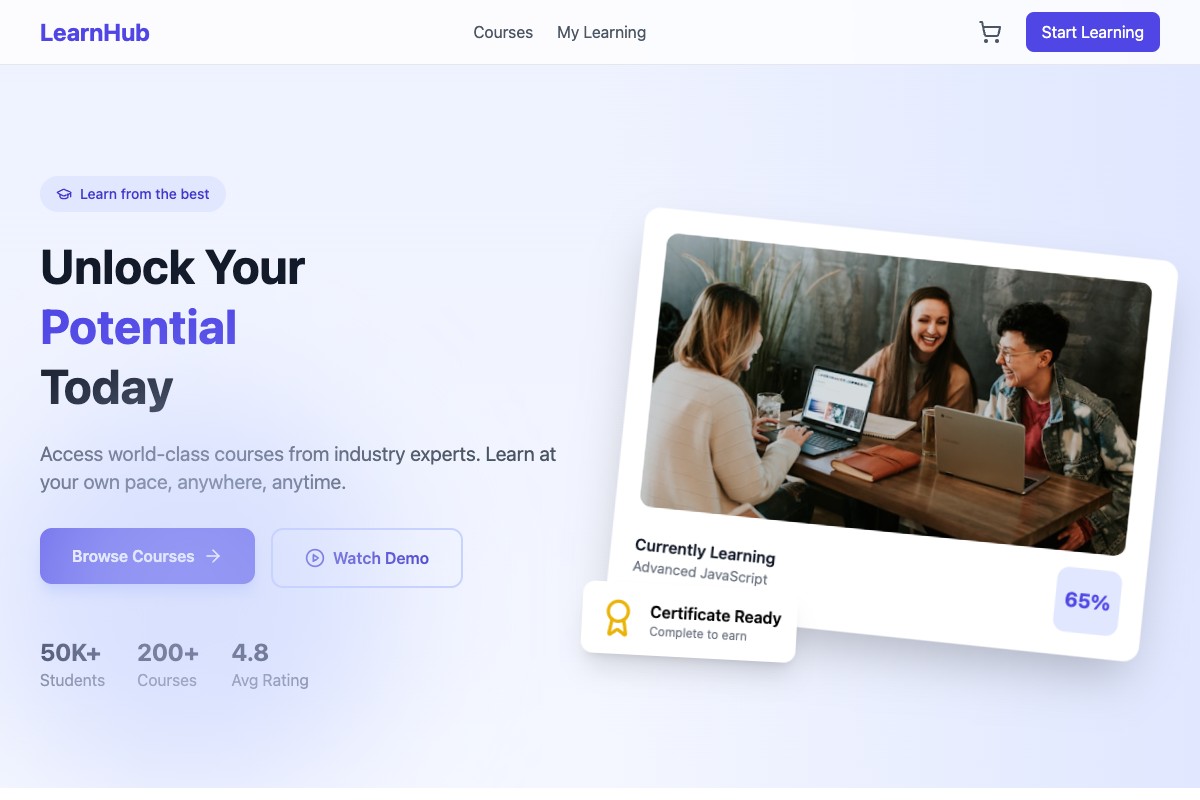
Online Courses
Teach what you know and earn passively
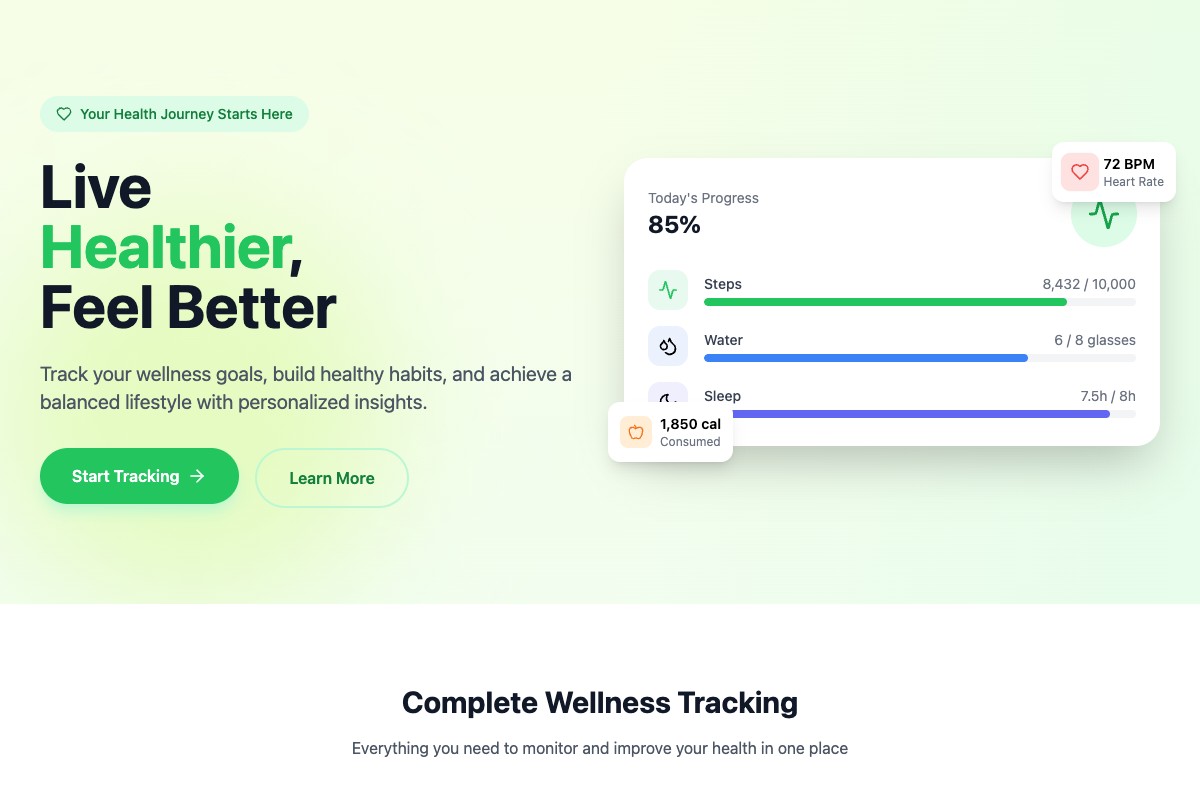
Wellness App
Help people live healthier lives
Trusted by innovative companies worldwide



























Founders like you are building
Join entrepreneurs who turned their ideas into reality
I had this idea for years but couldn't afford a development team. Coderblock helped me launch in a weekend.

Finally, I can focus on my customers instead of worrying about technical stuff. My app is live and making money.

I validated my startup idea in days, not months. Now I have real users and real revenue and I'm able to focus on growing my business.

Why founders choose Coderblock
AI builds. Your employees refine. You ship faster.
Your Employees, Your Rules
Pick the AI employees you need. Security, marketing, architecture, sales - build the team that fits your project.
Employees That Think Together
Your AI personal employees brainstorm with each other, debate approaches, and converge on the best strategy.
Proposals, Not Just Chat
Structured, actionable proposals. Accept one and it gets implemented instantly.
Launch in Minutes
From idea to live web app with a real URL. Frontend, backend, database - done.
Full Stack + GitHub
Every line of code is yours. Push to GitHub, own your repo, ship on your terms.
Built-In Expertise
Security gaps, UX issues, SEO blind spots - your AI employees catch what a single AI misses.
Grow with us.
Earn with every referral.
Join our partner network and earn recurring commissions for every customer you bring. Whether you're an agency, consultant, or creator — we give you the tools and support to succeed.
Your idea deserves
the best full stack apps
AI builds it. Your employees perfect it. Start free today.