
Coderblock introduces new full-stack templates to build apps faster
Coderblock offers a range of ready-to-use product templates for building real full-stack web applications through natural-language chat. Start with a proven foundation, then customize the frontend, backend, database, authentication, payments, and more simply by describing what you need.

A faster starting point for full-stack apps
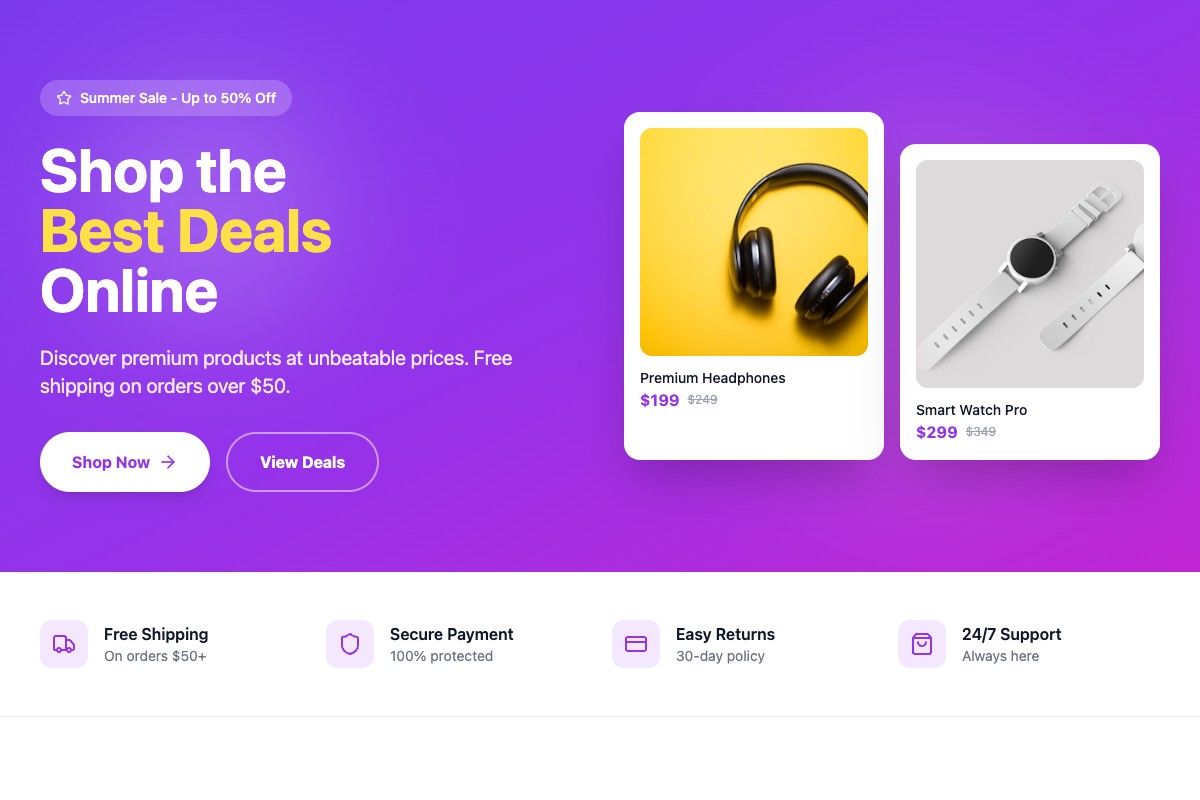
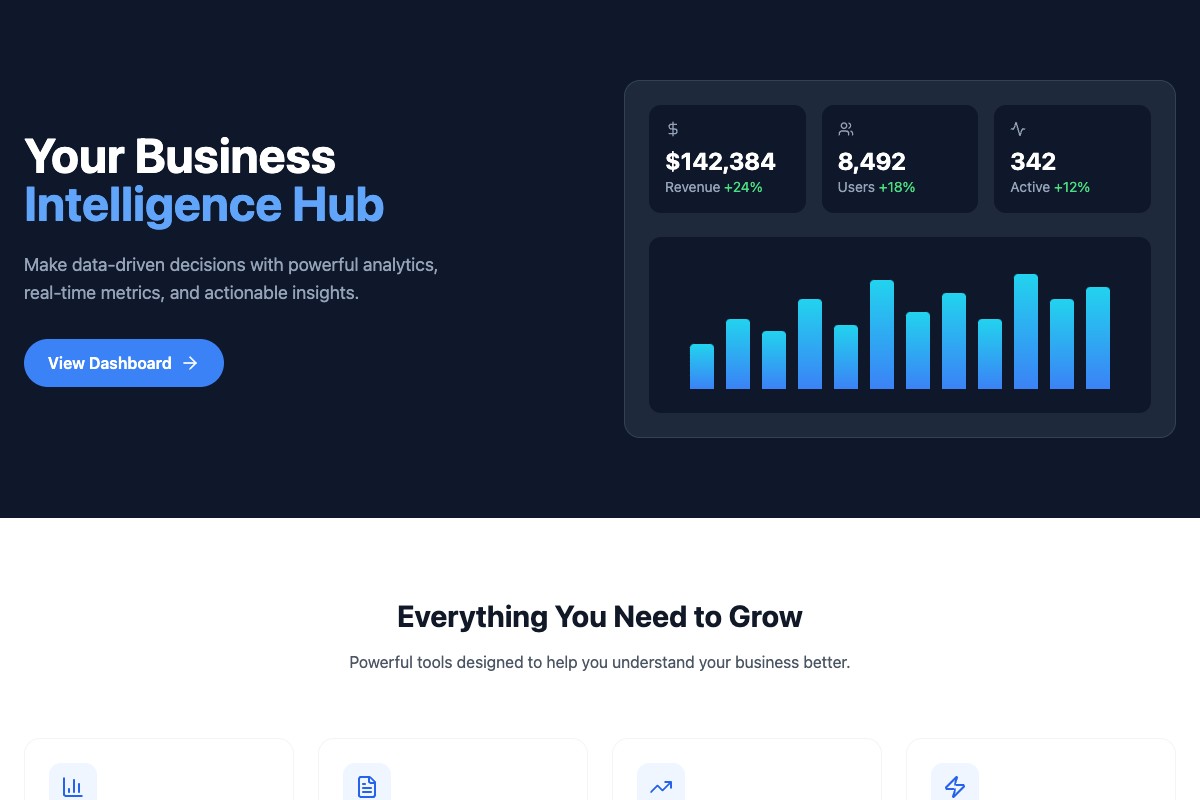
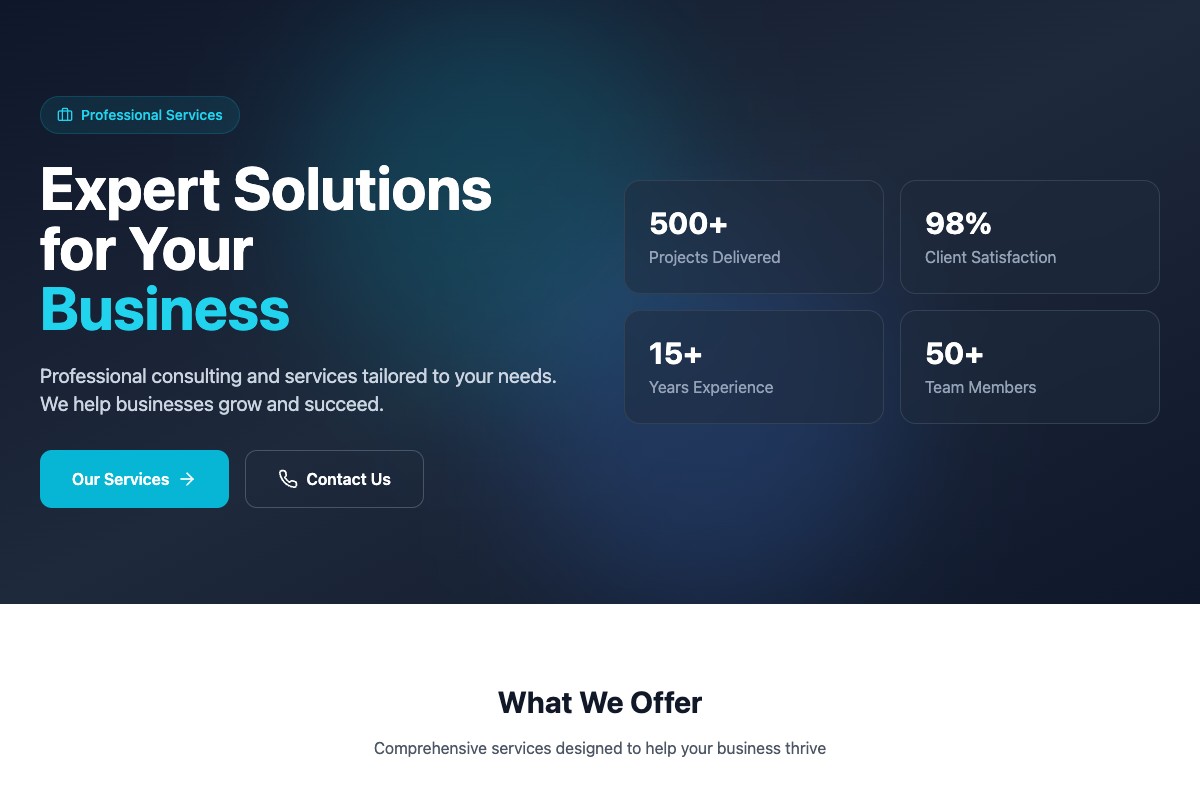
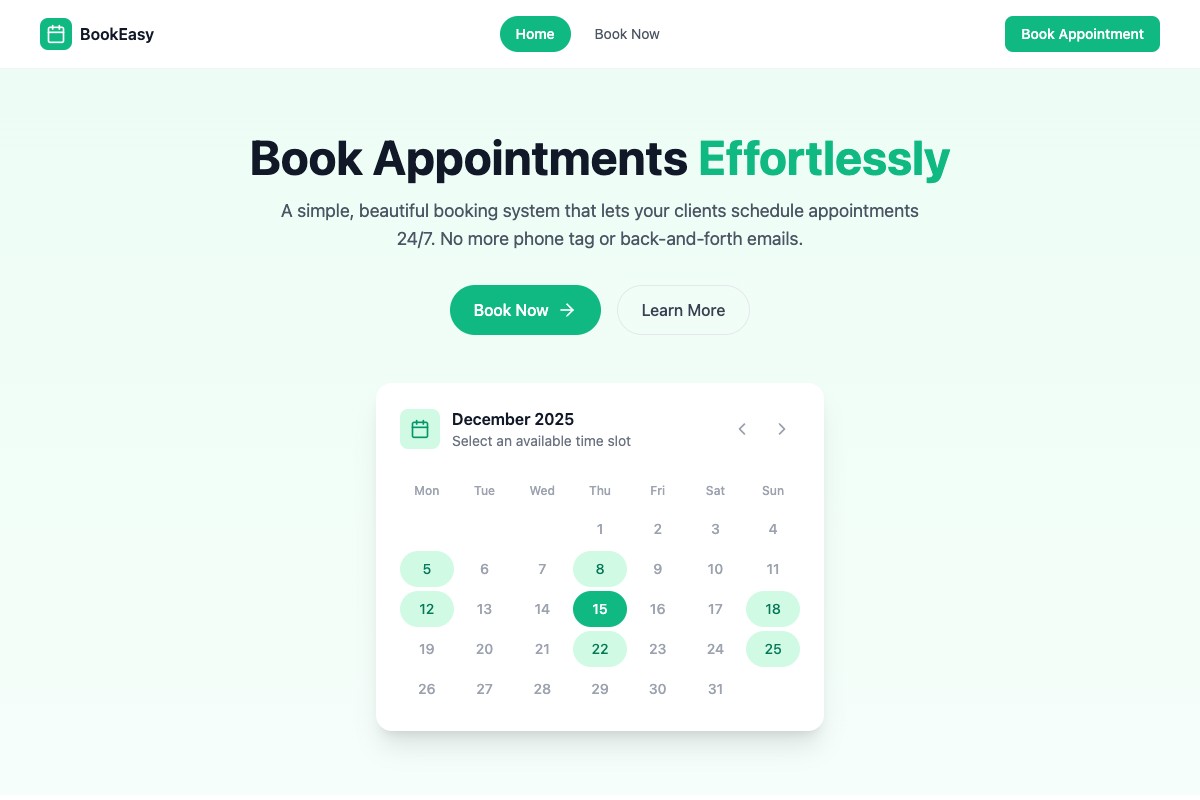
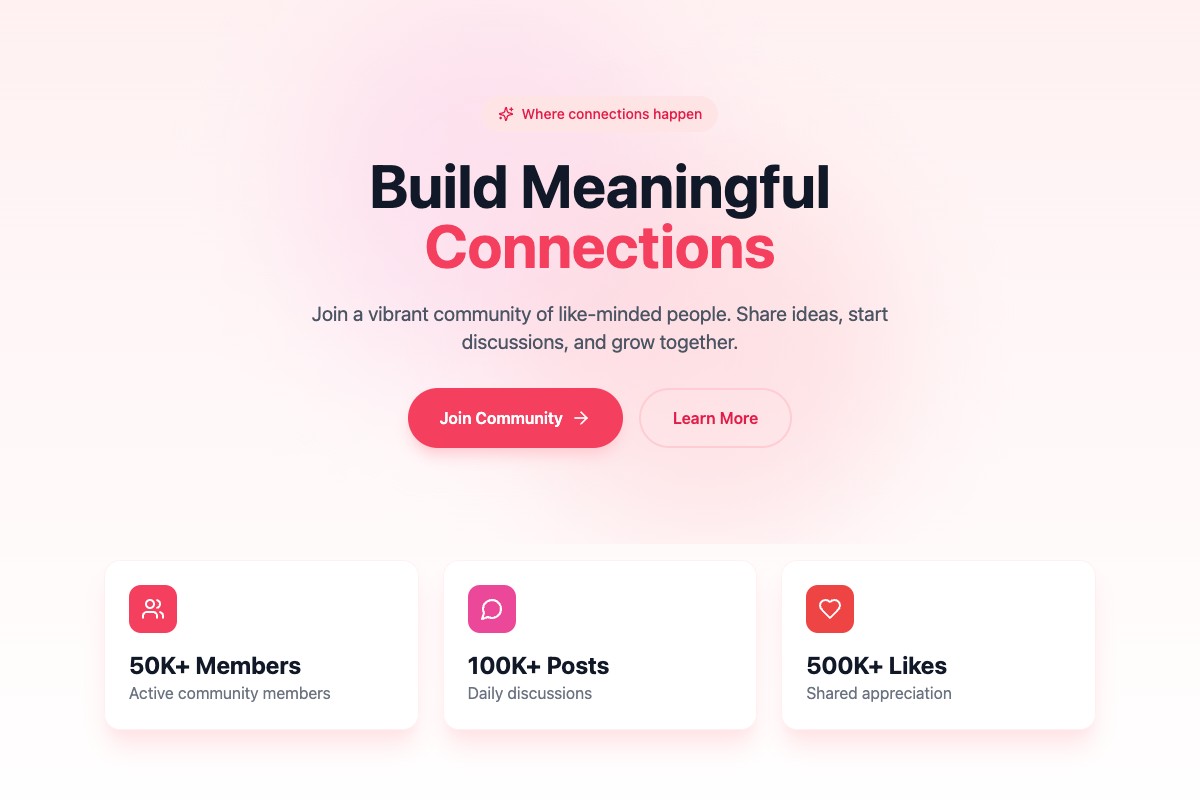
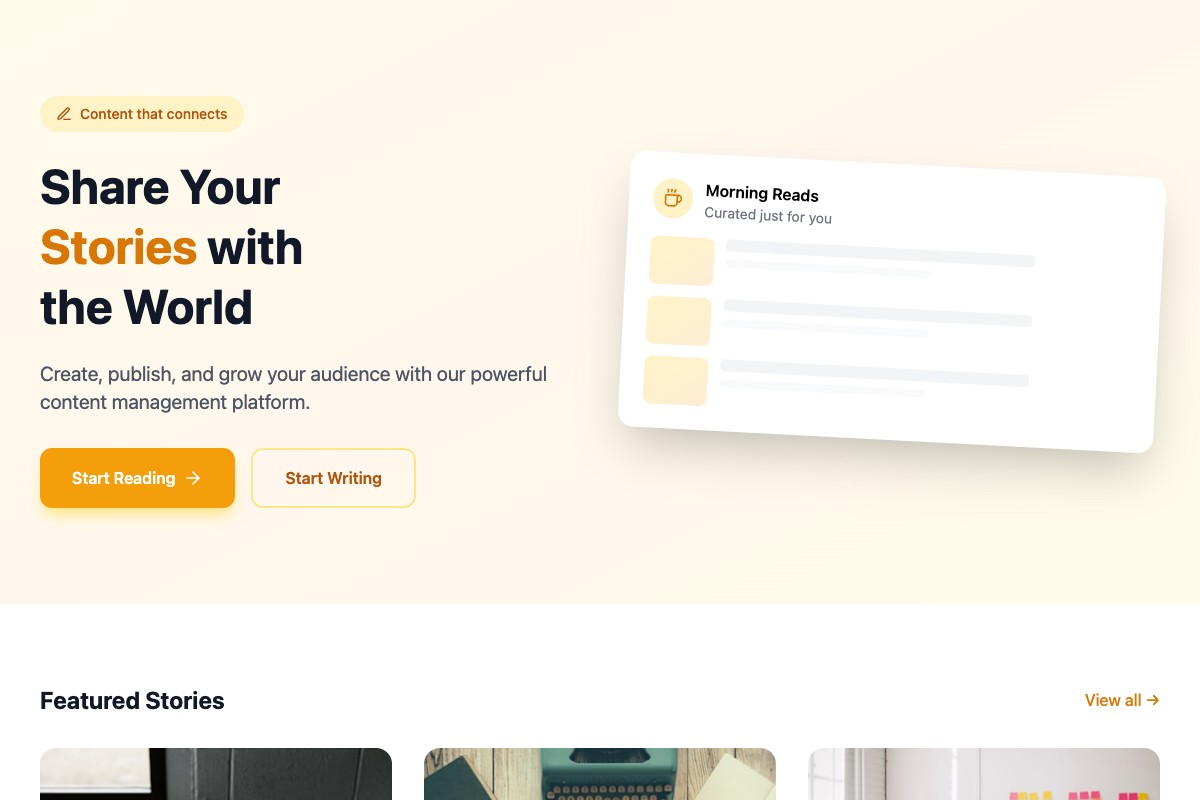
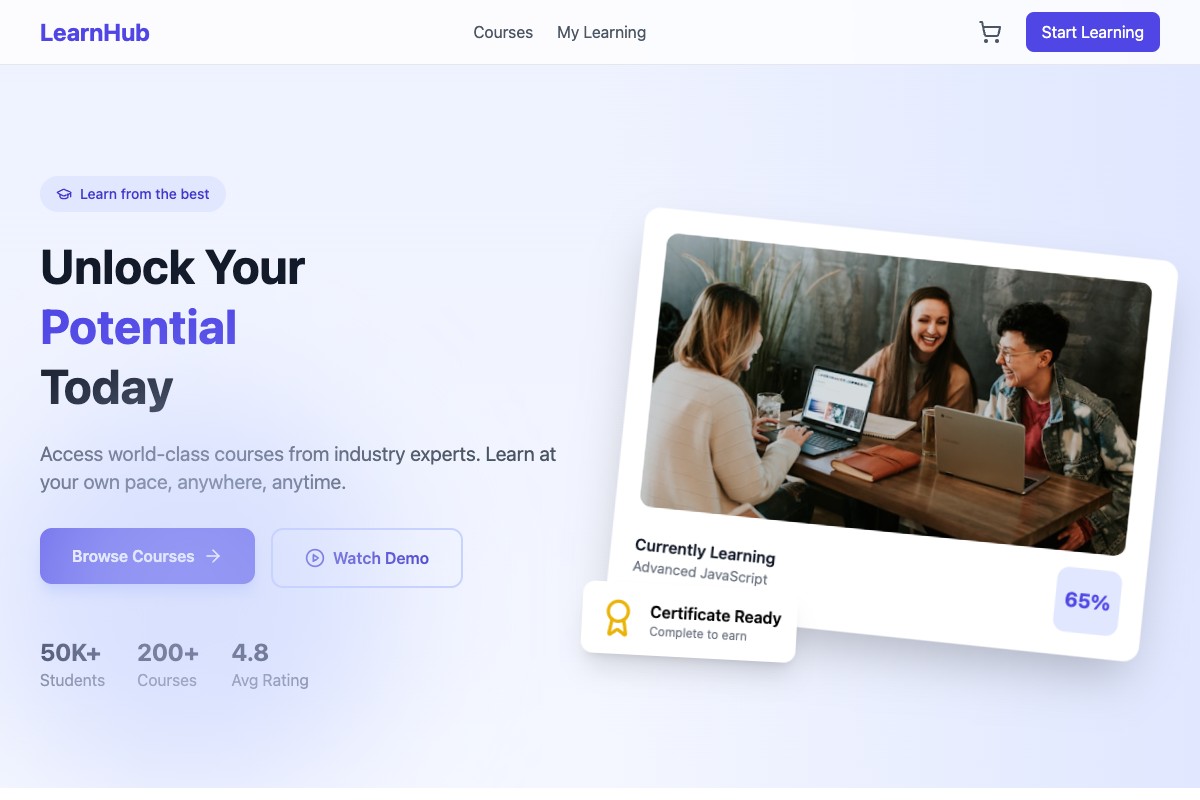
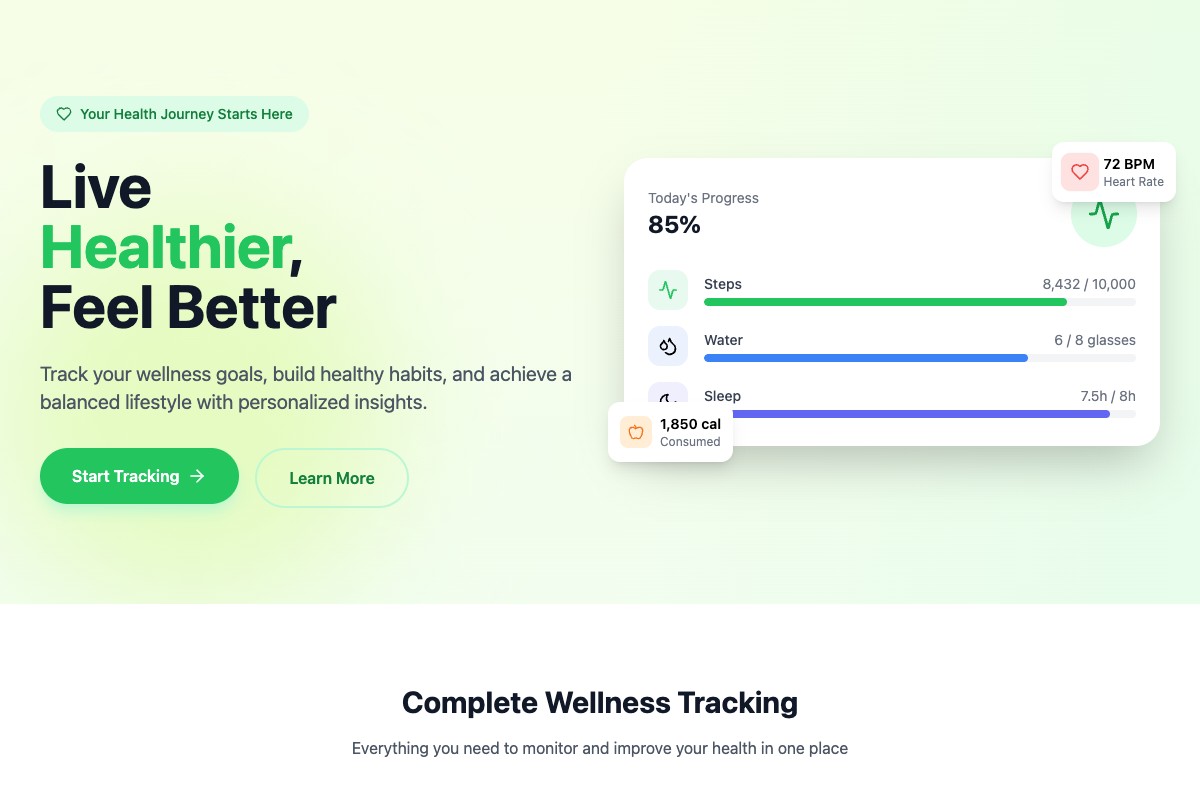
Coderblock is introducing a new collection of full-stack product templates, designed to give anyone turning an idea into a working web application a practical starting point. The collection covers a wide range of products, including online stores, booking platforms, dashboards, wellness apps, and games—including 3D experiences built with Three.js.
These are not just visual mockups or page templates. Each template provides the foundation for a real application that can include a frontend, backend logic, database, authentication, storage, and production deployment.
Users can choose a template and immediately start developing it through natural-language chat. Instead of manually configuring a generic codebase, they can ask Coderblock to adapt the product to their needs.
For example:
- “Turn this booking platform into a lesson scheduling tool for language teachers.”
- “Add a customer dashboard showing upcoming and past appointments.”
- “Make the navigation bar sticky and add a mobile menu.”
- “Create an admin view for managing bookings and user roles.”
- “Let customers pay €9.99 per month.”
The live development preview at <app>.coderblock.dev updates as the AI applies the requested changes, making it easy to test and refine the app through short feedback loops.
Product templates, not just page templates
A traditional website template often provides a homepage, a few reusable sections, and a visual style that still needs to be connected to a backend. Coderblock’s product templates, by contrast, are designed for full-stack applications. For standard web applications, Coderblock generates the frontend with React, Vite, TypeScript, and Tailwind CSS. Each app runs on a dedicated Supabase project with Postgres, Supabase Auth, Storage, Row Level Security, and Deno Edge Functions.
This means a template can become the starting point for a working product rather than serving only as a visual reference. As the app evolves, the AI agent can design and migrate the database schema. Tables, authenticated users, storage, and functions remain accessible from the editor’s Backend tab. Each app also includes a profiles table and a basic role structure from the outset. When a user asks to add sign-in and accounts, the agent can configure registration and login pages, session management, protected routes, and Row Level Security linked to the authenticated user. Social login can also be added on request.
For enterprise Web Platform projects, Coderblock uses Python and FastAPI with a Neon Postgres database.
Adapt any template through chat
The templates are designed to reduce the initial workload without limiting what the product can become. After choosing a starting point, users continue working through the same conversational workflow used throughout Coderblock.
A booking template, for example, can be adapted for a salon, consultant, coach, clinic, or rental business. Users can ask the agent to modify the data model, user experience, roles, booking rules, and administration tools. Similarly, an online store template can be customized around a specific catalog, checkout flow, and customer account requirements.
This also makes templates particularly useful during the early stages of product exploration. Founders can quickly test an idea, agencies can create an initial version tailored to a client, and product teams can turn evolving requirements into a working application to show stakeholders. Changes remain specific and conversational. Users can request a new database table, change the dashboard layout, introduce a protected admin area, or refine an existing flow without manually coordinating separate frontend and backend tasks.
Extend your product with ready-to-use features
In addition to product templates, Coderblock offers a collection of feature templates for common capabilities such as payments, authentication, shopping carts, chat, and admin panels. The two template types serve different purposes:
- Product templates: provide the application’s overall structure.
- Feature templates: add specific capabilities to an existing product.
Stripe payments, for example, can be configured directly through chat. By default, the agent can create a managed Stripe account for the project after asking a few simple questions, such as the country and business name. No API keys are required, and Coderblock manages the payment webhook.
Users who prefer to use their own Stripe account can choose the BYOK option instead. In this case, the agent requests STRIPE_SECRET_KEY through a secure environment variable prompt, stores it server-side, and automatically registers the webhook.
In both modes, the agent can configure products, prices, checkout, and the necessary frontend and backend integrations. Projects can begin in test mode before switching to live payments. Apps can also integrate AI-powered features through Coderblock AI Gateway, which provides an OpenAI-compatible interface, one API key per project, and usage-based billing.
From template to published product
The work does not end with the initial generation. After customizing the template and testing the app in the live preview, the project can be published with one click to <app>.coderblock.app, with SSL included.
Later versions can be deployed through fast hot updates, allowing teams to keep improving the product after its initial release. Custom domains are also supported. From Settings → Domains, users can connect a domain they already own by following the guided DNS configuration instructions, or purchase one directly through Coderblock, where checkout, DNS, and SSL are handled automatically.
A starting point, not a limit
The new templates are part of Coderblock’s broader conversational approach to software development. You can start with a product template, choose a specific feature, or describe an entirely new app from scratch. In every case, the workflow remains the same: describe what you want to build, review the result, and keep refining it through chat. The goal of these templates is not to give you a predefined product, but to eliminate the initial work that often slows down the journey from an idea to a working app.
Start with a foundation. Customize it. Make it your product.