
Vibe coding vs no-code: what's the difference?
Vibe coding and no-code both make software creation more accessible, but they use different interfaces, levels of abstraction, and development workflows. This lesson explains when each approach works best, how they compare, and what to consider before choosing.

Two ways to build software without starting from code
For years, building an app without being a developer mainly meant using no-code tools: visual interfaces, prebuilt components, workflows, and configuration panels.
Today, there is a different approach: vibe coding, where you interact with software primarily through natural language.
Both approaches have a similar goal: to reduce the amount of code a person has to write manually.
However, they achieve it in very different ways.
- With no-code, you build the app using the tools provided by the platform. You drag and drop components, configure properties, connect data, and define workflows.
- With vibe coding, you describe what you want to achieve, and an AI agent translates your request into code, data structures, logic, and configuration.
The difference, then, is not simply “visual interface versus artificial intelligence.” Above all, it is a difference in the level of abstraction: no-code asks you to build the app using the available blocks, while vibe coding lets you describe the outcome and leave much of the implementation to AI.
No-code and vibe coding compared
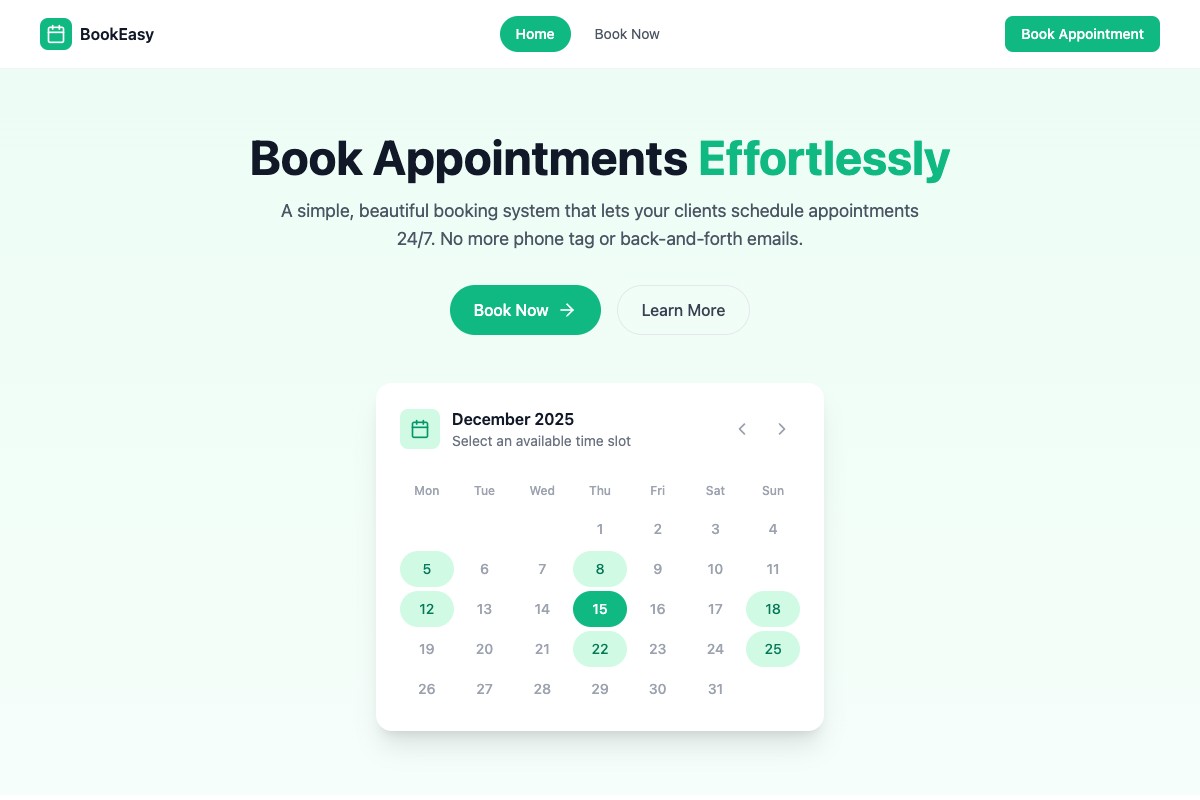
Imagine you want to build a platform for booking fitness classes. With a no-code approach, you might:
- choose a template;
- add the required pages;
- insert forms and components;
- create data tables;
- configure workflows;
- connect integrations;
- test and publish.
With a vibe coding approach, the same process might begin with a request such as:
“Build a platform where customers can sign up, view available instructors, choose a class, and book it. Instructors must be able to manage their calendars from a dashboard.”
From there, the AI agent can generate an initial version of the application and let you continue modifying it through conversation. In Coderblock, for example, you can start with a description or a template and get a full-stack web application built with React, Vite, TypeScript, Tailwind CSS, and a dedicated Supabase backend. The app runs in a live preview, and you can continue modifying it with requests such as:
“Add a category filter.”
“Allow instructors to cancel a booking.”
“Make the navigation bar sticky.”
The AI handles the implementation while you continue defining the product and checking the result.
The main differences
| Area | No-code | Vibe coding | | ---- | ------- | ----------- | | Primary interface | Visual workspace and configuration panels | Natural-language chat | | Core building blocks | Platform components and workflows | AI-generated application code and infrastructure | | How you iterate | Modify controls and workflow rules | Describe changes and verify the result | | Technical visibility | Often centered on the platform’s abstractions | Can expose recognizable software stacks and backend resources | | Flexibility | High within the limits of supported components | Potentially greater, but dependent on the agent’s quality and the clarity of the instructions | | Learning curve | Requires learning the platform’s visual model | Requires learning how to specify, test, and refine requirements | | Maintenance | Update visual logic and integrations | Request changes and then verify the generated implementation |
These are, of course, general trends, not absolute rules. Some no-code tools include AI features. Likewise, some vibe coding builders offer visual editors and prebuilt components. To understand the real difference between two products, it is more useful to look at what happens behind the interface.
The real difference is what you can build
A visual interface may be enough to quickly create a landing page, form, dashboard, or internal tool. But as an application grows, more complex requirements come into play:
- persistent data;
- authentication;
- roles and permissions;
- relational databases;
- files and storage;
- APIs;
- backend functions;
- payments;
- integrations with external services.
At that point, it is no longer enough to ask:
“Can I build this screen?”
The question becomes:
“Can I build and manage everything this screen needs to do?”
This is where the difference between the two approaches can become significant.
The backend matters as much as the frontend
A dashboard can look and behave perfectly well while still having a very basic backend. For example, an order list might display sample data embedded directly in the project instead of retrieving information from a real database.
A complete application must instead manage:
- where data is stored;
- who can access it;
- which operations each user can perform;
- what happens when an operation fails;
- how sensitive information is handled.
That is why, when evaluating an AI app builder, you should not stop at the preview. Check the database, authentication, authorization, integrations, and deployment as well.
How Coderblock handles the full stack
For standard web applications, Coderblock creates a dedicated Supabase project that includes Postgres, Supabase Auth, Storage, Deno Edge Functions, and Row Level Security. This means the agent’s work is not limited to the UI.
If you ask:
“Add login and allow each customer to see only their own bookings.”
the request may involve all of the following:
- registration and login pages;
- session management;
- protected routes;
- the database structure;
- Row Level Security policies;
- the relationship between users and bookings.
The user does not necessarily have to configure every layer manually. But that does not mean security can be ignored.
AI implements the requirement; the person building the product must verify that it has been implemented correctly.
No-code: when is it the right choice?
No-code can be particularly effective when the project:
- follows fairly standard patterns;
- can be built using existing components and workflows;
- requires little architectural customization;
- needs to be managed by non-technical teams;
- is intended for internal processes or relatively simple applications.
One of its main advantages is predictability. The platform provides a defined set of possibilities, and the team works within those boundaries. This can reduce complexity and make it easier for non-technical people to understand how the application works. The limitation emerges when the product starts requiring behavior that does not fit the available blocks or workflows.
Vibe coding: when can it be more effective?
Vibe coding can be particularly useful when:
- you have an idea that you want to turn into a working product quickly;
- requirements change frequently;
- you need to experiment with different versions of the same feature;
- the frontend, backend, and database need to evolve together;
- you want to customize a template extensively;
- describing a behavior is easier than configuring it manually.
Imagine starting with a booking platform. You do not necessarily need to know in advance which components to drag in or which workflows to configure. You can start with the outcome:
“Customers can book a class. Instructors can manage the calendar. Administrators can see all bookings.”
You can then add complexity incrementally:
“Add monthly payments.”
“Prevent double bookings.”
“Send a confirmation after every booking.”
“Allow administrators to change the schedule.”
The product grows through an iterative conversation. In Coderblock, you can start with one of the available templates or a completely new idea and continue modifying the app through chat. The agent can work on the frontend, backend, database, and integrations without requiring you to configure every layer manually.
What about payments?
Payments are a good example of the difference between building a screen and implementing a feature. Creating a button that says:
“Subscribe — €9.99/month”
is relatively simple. Making that button initiate a real payment, however, requires an integration with a provider, products and prices, credential management, checkout, and communication of payment events to the backend.
In Coderblock, you can request a Stripe integration directly through chat. Depending on the chosen configuration, the agent can create products and prices, configure checkout, and connect it to the backend. Sensitive credentials are managed through a dedicated environment variable system rather than being added to frontend code. This type of scenario clearly demonstrates the difference between configuring an interface and building a full-stack feature.
Vibe coding and no-code are not necessarily alternatives
The two approaches do not have to be treated as completely separate worlds. A product can use:
- prebuilt templates;
- visual components;
- generative AI;
- visual editors;
- generated code;
- configurable workflows.
In other words, “no-code” and “vibe coding” mainly describe how you interact with the tool, not necessarily everything inside it. A more useful question to ask is:
How much control do I have over the result, and how much manual work is required to get there?
Best practices: how to work effectively with both
Whichever approach you choose, some principles remain the same.
Start with the problem, not the screen
Instead of starting with:
“I want a dashboard.”
first define the requirement:
“Administrators must be able to see all bookings, filter them by instructor, and change their status.”
The second requirement is much more useful because it describes behavior and goals, not just the interface.
Build one complete user journey
It is better to have one complete, working flow than many disconnected screens.
For a booking platform, you might start with: Registration → service selection → booking → confirmation → appointment details
Once you have verified this journey, you can add dashboards, payments, notifications, and other features.
Always test the result
Neither drag-and-drop tools nor AI eliminate the need for testing. Check:
- authentication;
- roles and permissions;
- persistent data;
- error states;
- mobile layouts;
- failed payments;
- invalid inputs;
- access to data that should not be visible.
AI can speed up development. It does not replace verification.
Protect sensitive data
API keys, credentials, and payment secrets should never be placed in the frontend or exposed in public code. Manage them through server-side systems and secure environment variables.
Treat deployment as part of the product
A working preview does not automatically mean the app is ready for users. Before publishing, verify its behavior in production, domain settings, authentication, external integrations, and all critical flows.
Vibe coding vs no-code: which should you choose?
The answer depends on the product you want to build and how you prefer to work.
Choose no-code when you want to work with visual components and workflows, the project fits within the platform’s capabilities, and you prefer a highly structured environment.
Choose vibe coding when you want to describe product behavior in natural language, iterate quickly, and let AI handle implementation across the frontend, backend, and database.
And it does not have to be a permanent choice. A team can use no-code tools for some tasks and AI coding for others. It can start from a template, use prebuilt components, and then rely on AI to customize the behavior.
The real evolution, then, is not simply moving from “dragging blocks” to “talking to an AI.” It is moving from having to explain to a machine how to build something to being able to describe more precisely what you want to build. That is the core of vibe coding: AI takes on more of the implementation while the person focuses on the product, requirements, and final result.